

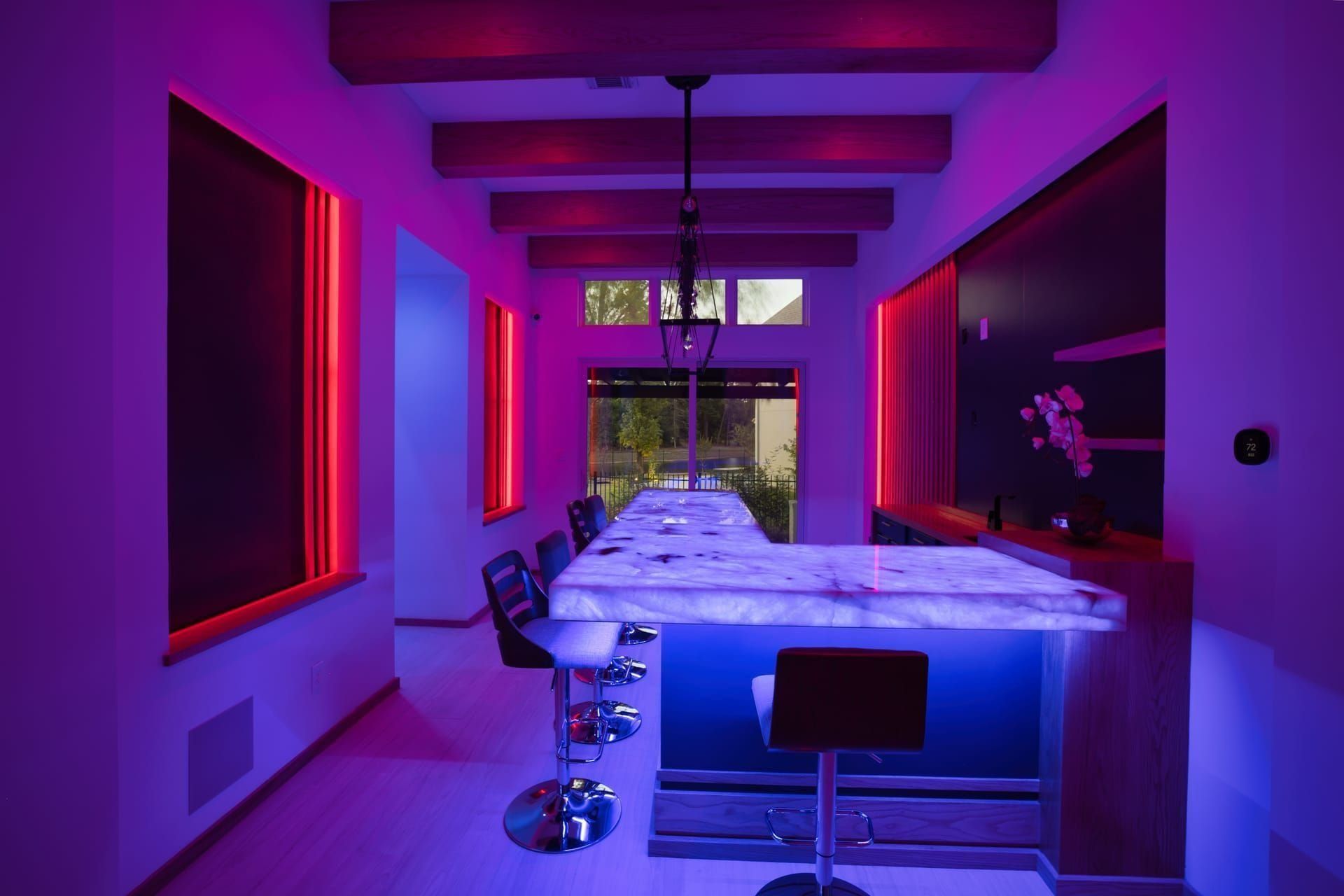
A Day in a Loxone Reference Home: Whole-Home Audio in The Woodlands
The Woodlands, TX · 2024
- independent audio zones
- 5
- Audioserver + 4 Stereo Extensions
- 1
- phones required to use it
- 0
Walk in and the music is already playing. Wake up to a slow rise of your favorite song. Tap one switch and the whole house becomes one synchronized party. A Loxone reference home in The Woodlands, designed and installed by Grizzly Tec.
The Challenge
Every space we design starts with the same question: how is this room actually going to be used? The challenge here was no different — the client wanted a system that disappears into the architecture and respects how they live.
The Approach
One Loxone Miniserver. One app on the wall. One design philosophy: the system should answer questions before you have to ask them, and stay invisible the rest of the time.
The Woodlands home featured on Loxone International’s reference list doesn’t feel like a smart home when you walk through it. It feels like a house that’s paying attention.
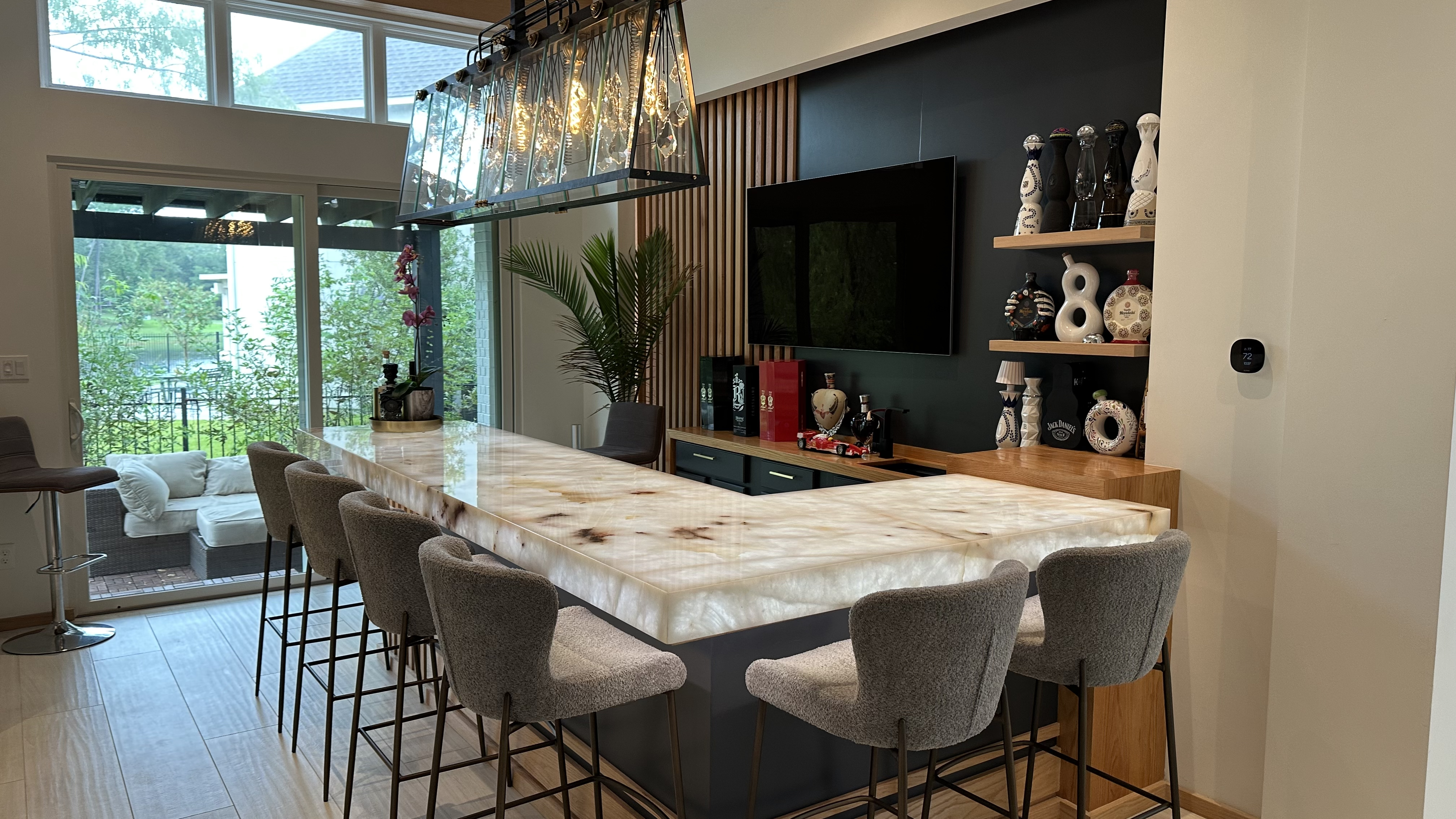
The audio is part of that. Designed and installed by Grizzly Tec around a single Loxone Audioserver and four Stereo Extensions, the system fills every room, the patio, the pool deck, the garden bar, the kitchen, and the living room with music — but more importantly, it puts that music exactly where it should be, exactly when it should be there. No phone. No app. No remote.
Here’s what a day in that house actually looks like.
6:55 AM — wake up
The master bedroom is dark and quiet. At 6:55 AM, the Loxone Miniserver starts the morning scene. Audio fades in at 5% volume — one of three favorite playlists set for the wake-up routine. Over the next ten minutes, the volume rises gradually to a comfortable level. The shades open at the same pace, letting in morning light in steps. The bedroom lights warm from off to a soft amber tone.
The household wakes up to music, not to an alarm.
The kids’ rooms run a different scene a few minutes later, with their own playlists, their own shade timing, their own pace.
6:00 PM — welcome home
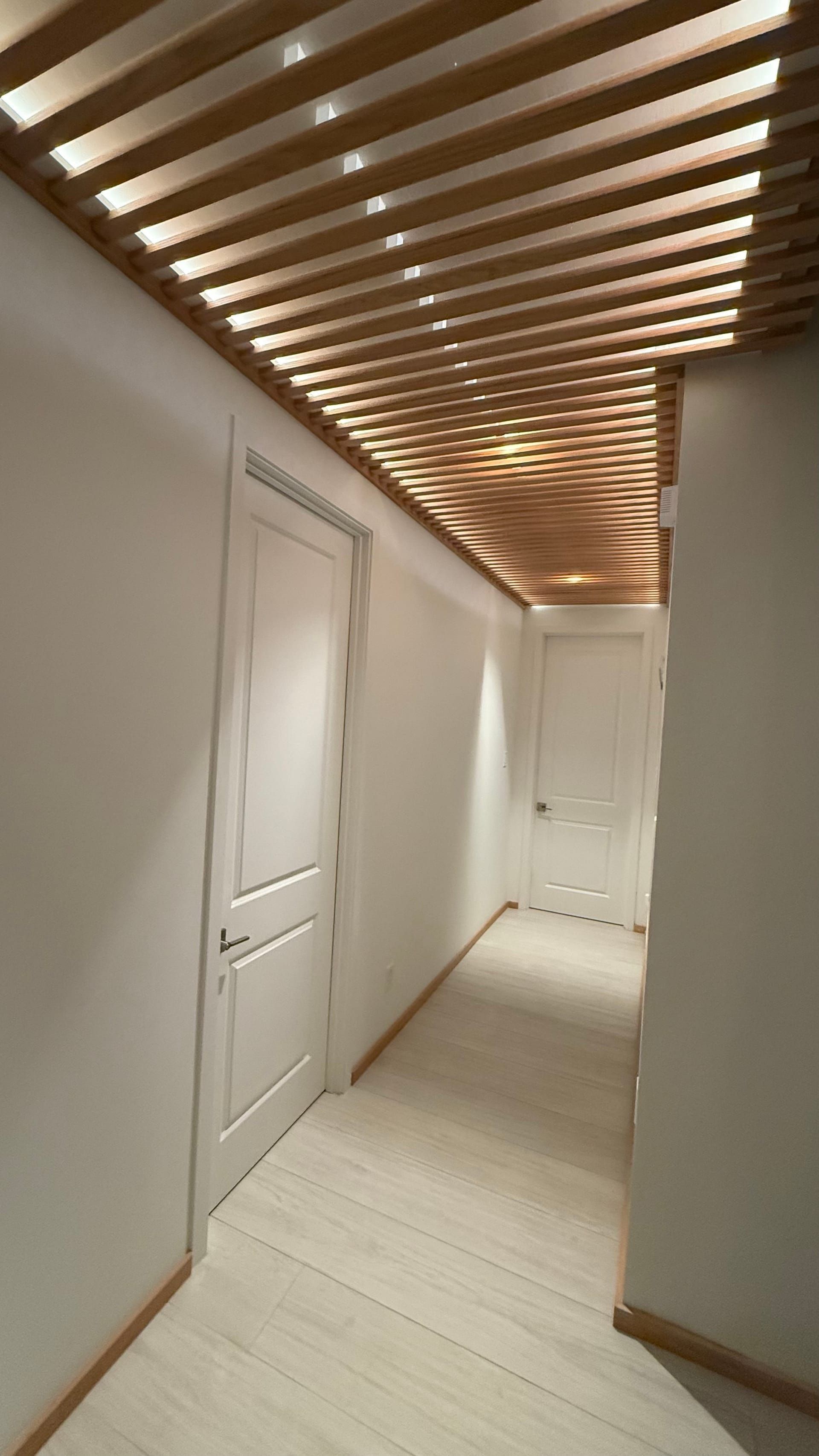
The car pulls into the driveway. The front door unlocks. The hallway lights warm up to evening tone, the kitchen lights follow, and the Audioserver starts the homeowner’s favorite evening playlist in the kitchen and living room — at the volume it was at last night.
Nobody pulled out a phone. Nobody opened an app. The house just knew.
7:30 PM — family hours
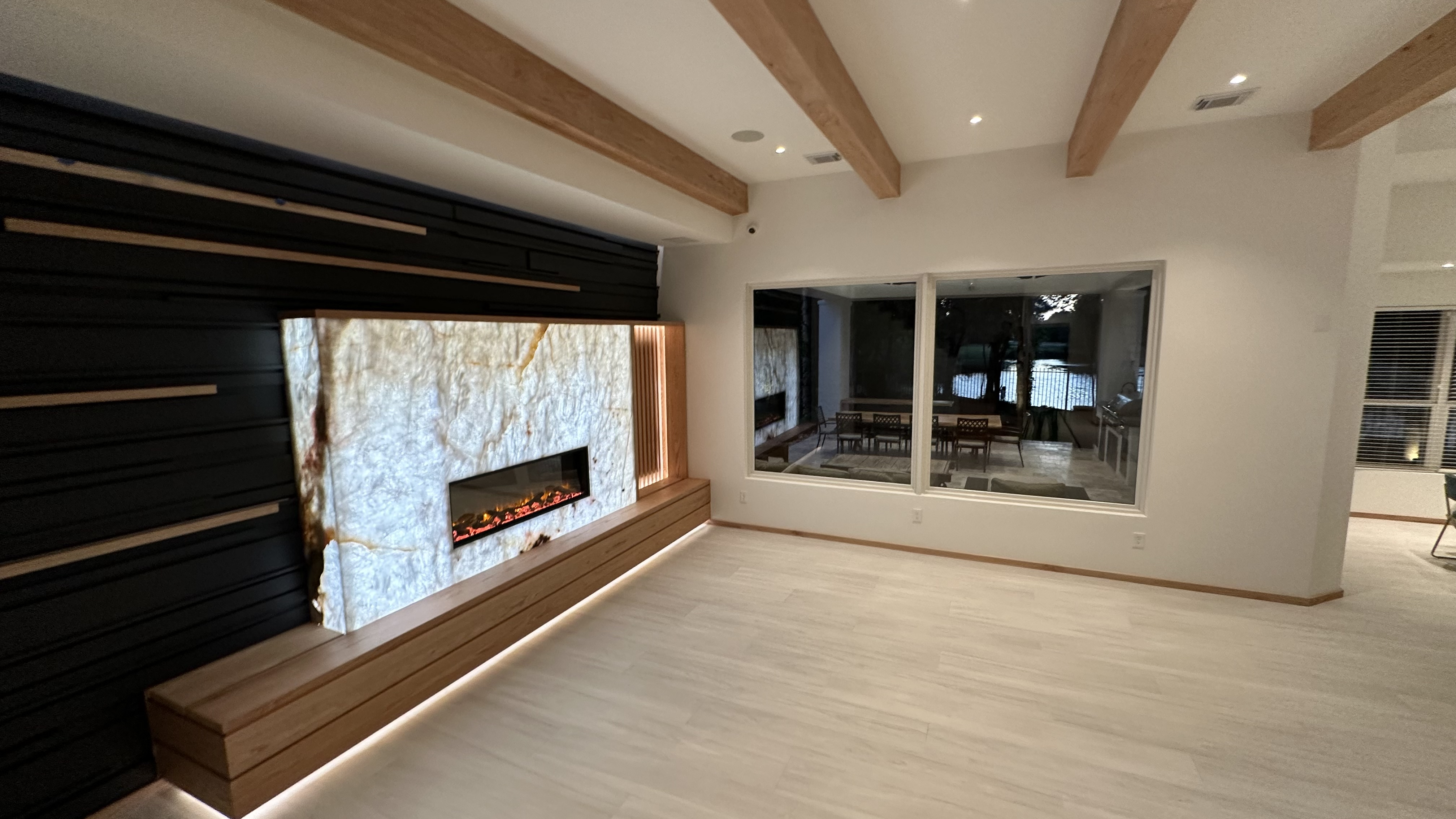
Dinner is in the kitchen. The Audioserver is playing a different playlist now — the dinner-time preset. Lights are dimmed. Shades closed.
Upstairs, one kid is in their room doing homework with focus music. The other is on a completely different playlist. The master bedroom is quiet. The patio is off.
One Audioserver. Five independent zones. No one is fighting over the music.
9:00 PM — party mode
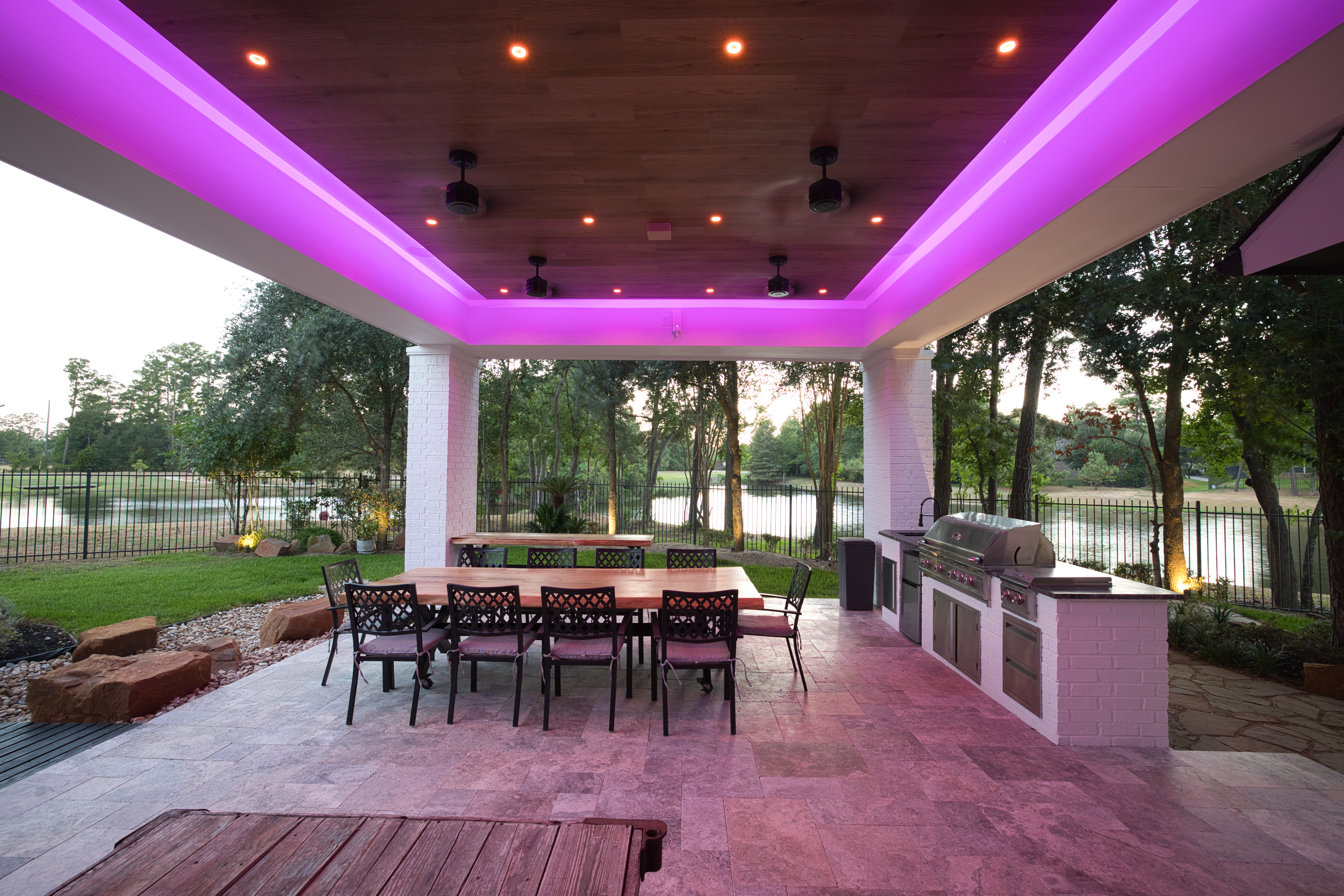
Friends arrive for a Saturday night. One tap on the scene switch by the kitchen — and the kitchen, living room, garden bar, pool deck, and patio all link to the same zone group. The same music plays everywhere, synchronized. The garden bar lights shift to evening neon. The pool lights come on. Shades adjust.
The whole house becomes one continuous space — visually, sonically, and structurally.
When the party ends, another tap reverses it. Zones split back to their independent presets. The kids’ music comes back on upstairs. The pool lights drop to ambient. The party is over without anyone hunting for a remote.
11:30 PM — wind down
Bedtime scene: master bedroom audio drops to low-volume jazz that auto-fades to off after 30 minutes. Kids’ rooms run their own bedtime audio with a 9 PM cutoff already enforced. The kitchen and living room audio go quiet. The house settles.
Technical detail — the hardware
Audio backbone hardware
- 1× Loxone Audioserver — central media controller. Multi-source streaming (AirPlay, Spotify Connect, line-in, internet radio), zone routing, scene integration.
- 4× Loxone Stereo Extensions — power amplifiers, each feeding two stereo zones with independent volume, source, and EQ.
- Wired in-wall and ceiling speakers — every zone hard-wired back to the rack. No mesh, no Bluetooth bridges, no battery-dependent endpoints.
The thing you can’t get from Sonos, Bose, or any consumer audio system: in this home, the same Loxone wall switches that dim the lights also control the audio. Tap a switch — change the source. Hold it — skip the track. Double-tap — trigger a full scene with lights, shades, and audio together.
Why this matters
Two things separate this from a typical multi-room audio install:
-
It’s not app-only. Most multi-room audio systems on the market — Sonos, Bose, HEOS, Apple — require a phone for anything beyond raw volume. The Loxone system here is fully usable without a phone because every action lives on the same physical switches that run the lights.
-
You own the system. No monthly subscription fees for the audio platform itself. No cloud account that can lock you out. The Audioserver and Stereo Extensions run locally. The homeowner has the admin password and full programming access.
Outcomes
Comfort goes up. The decisions the system used to ask the homeowner to make — which playlist, which lights, which setpoint — happen automatically. The house feels intentional instead of operated.
"We wake up to music. We come home to music. We don't open an app — the house just knows."
— Homeowner, The Woodlands
Services used in this project
Featured on Loxone's reference project list: view on loxone.com →
Want something like this?
Tell us about the house, the room, or the problem. We'll walk it with you and design the system around how you actually live.
Start a conversation